
The Silent Brick Max Air allows hard drives to be replaced without the use of tools.
Proceed as follows:
-
Open the Silent Brick Max Air enclosure by pressing both release tabs downward and pulling the cover toward the front. The cover can then be removed by lifting it upward.
-
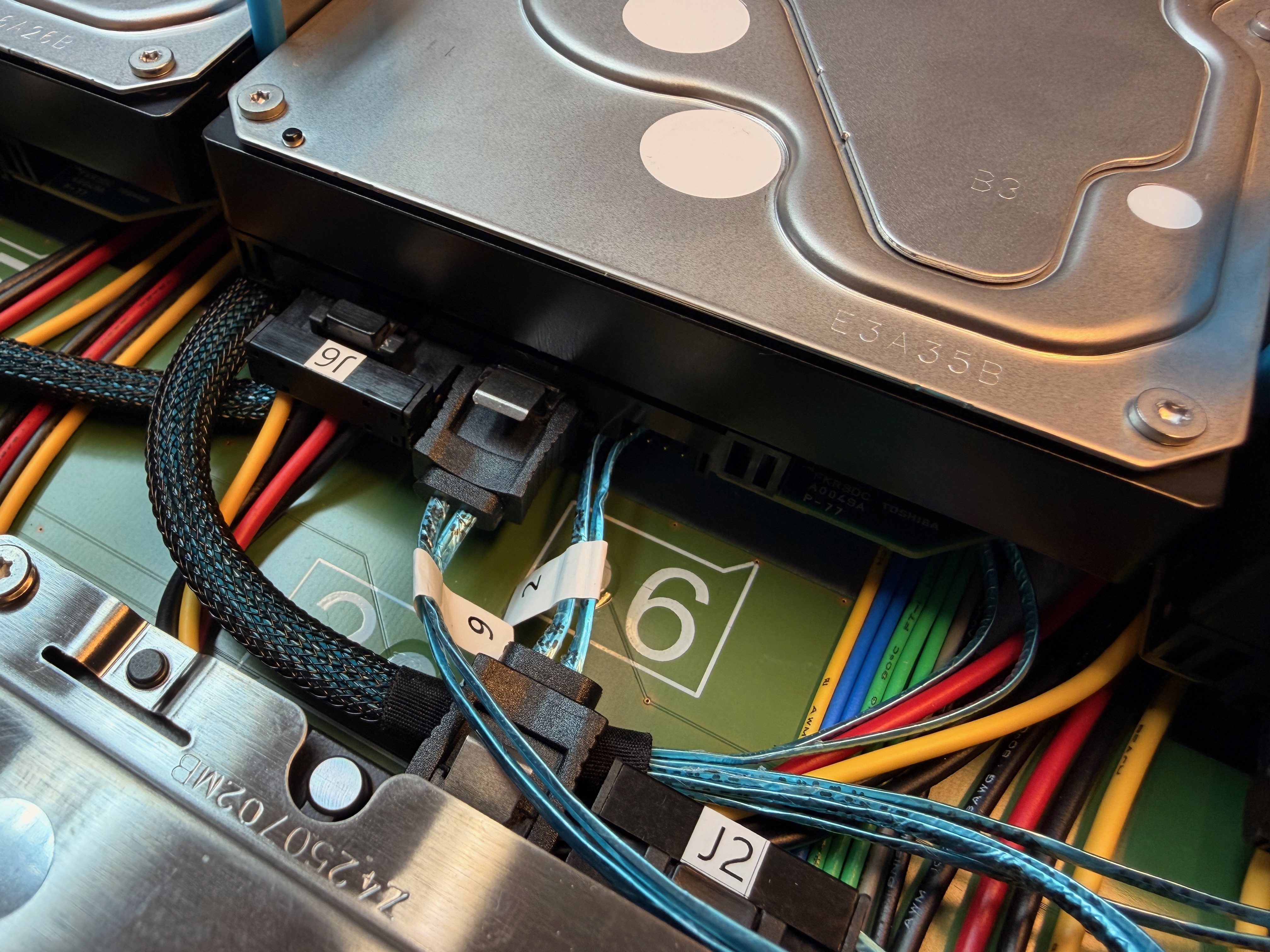
Identify the defective drive using the drive numbering.
Verify the correct drive additionally by the reported serial number.
-
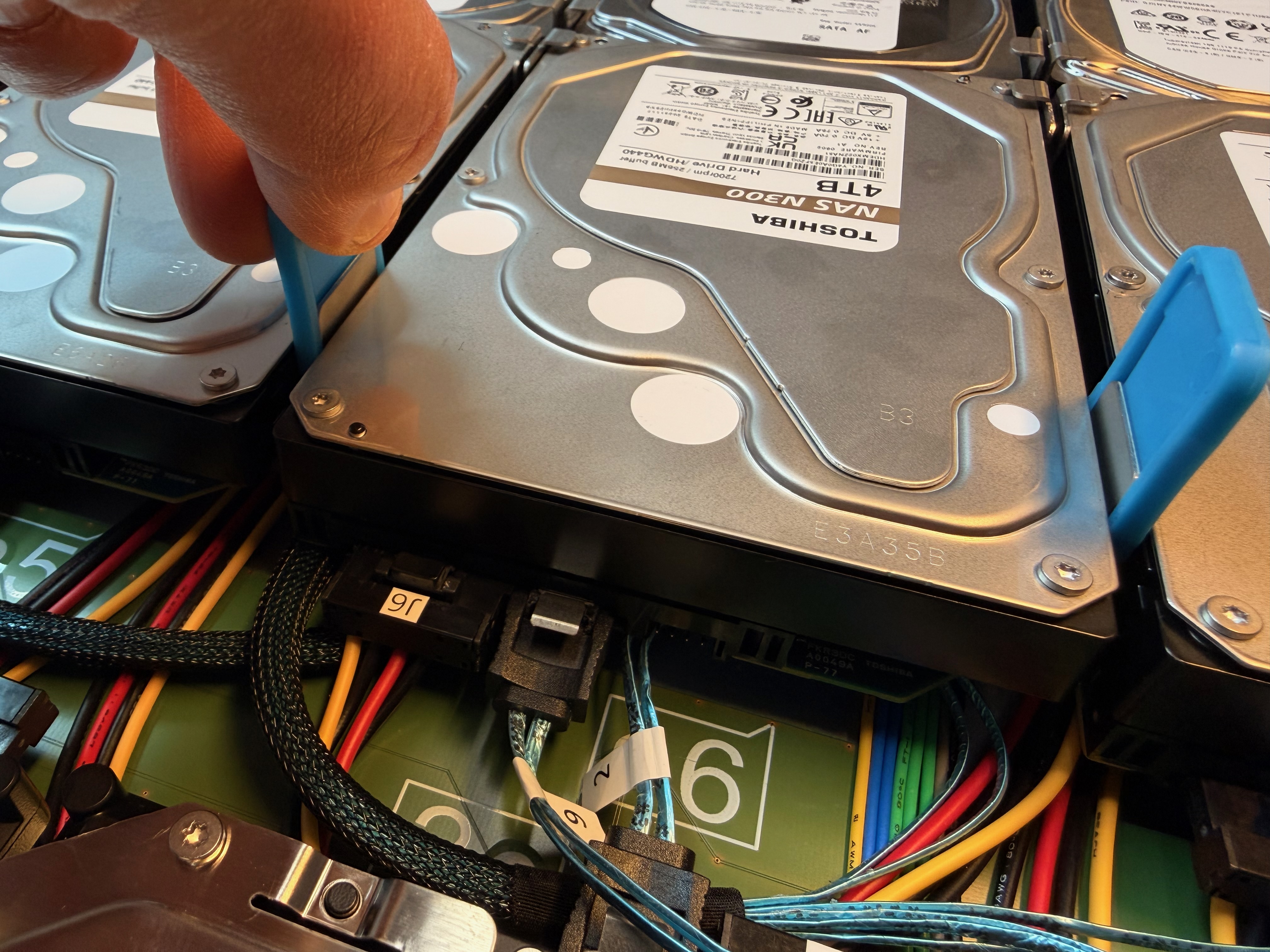
Lift the two blue locking sliders of the corresponding drive to release the lock.
-
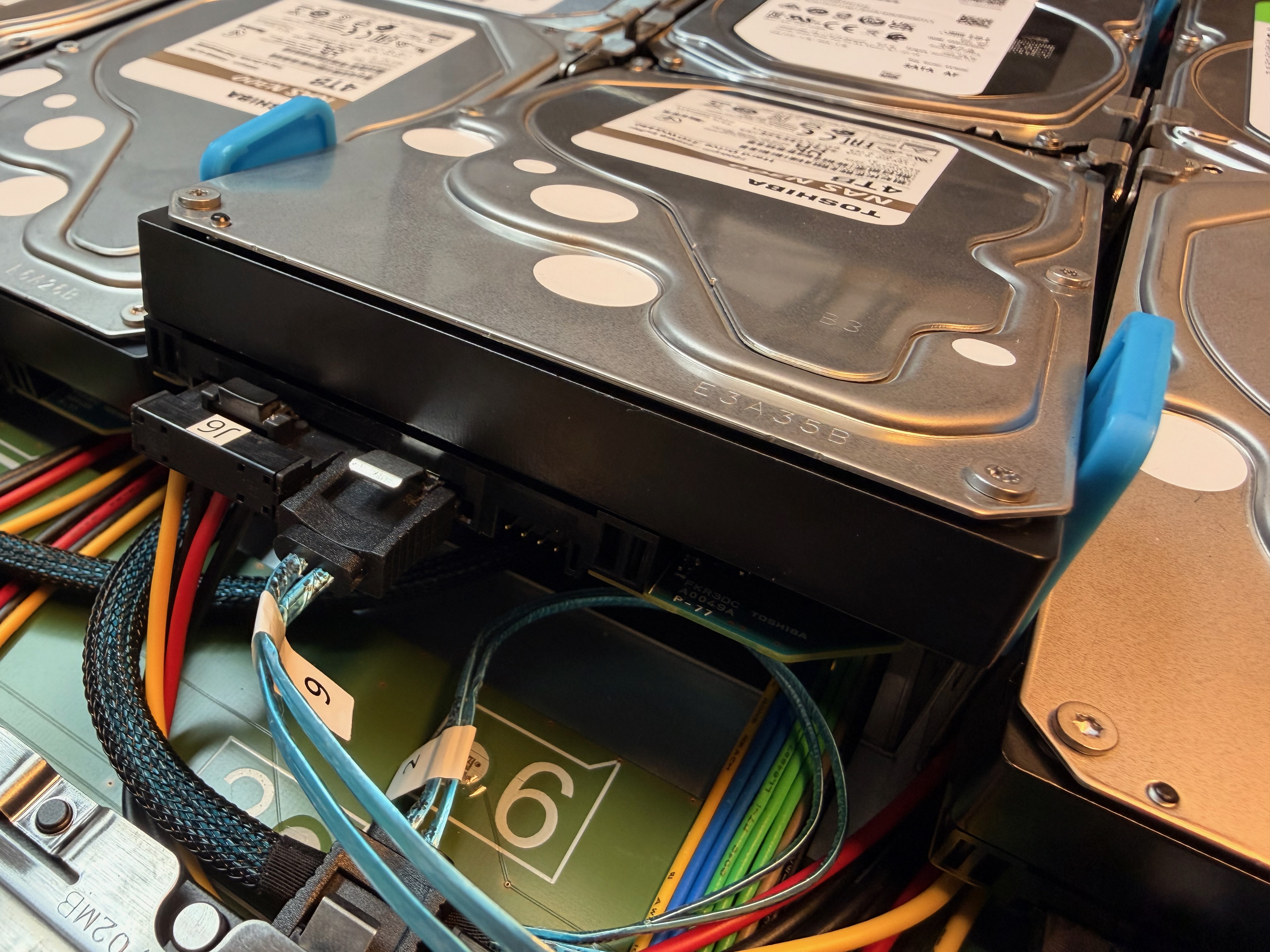
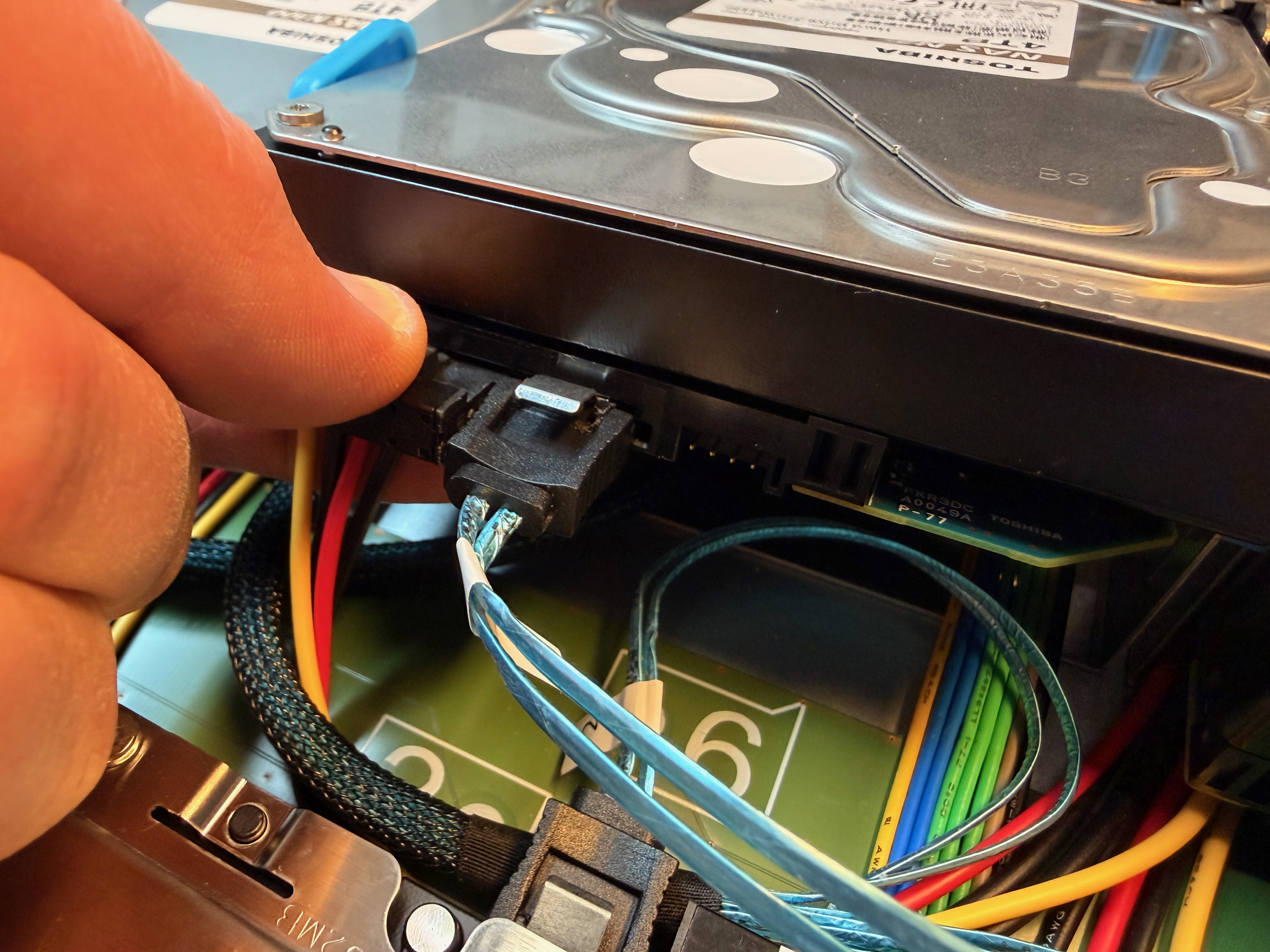
Slightly lift the drive and disconnect the attached cables by pulling them off the drive.
-
Remove the defective disk completely.
-
Install the replacement disk by performing the previous steps in reverse order.