
The Silent Cubes software provides management of the Silent Cube storage system. All settings and configuration can be made using the software. The Silent Cubes software is already installed on the Head Unit of the Silent Cube storage system. Therefore, only network access to the Head Unit is required to start the software.
Opening the Silent Cubes software
The Silent Cubes software is opened via a web browser and an IP address configured during initial installation, using HTTPS (see installation instructions). We recommend using a current version of a modern web browser.
The Head Unit's login dialog window then opens.
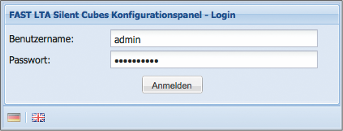
If the password of the admin user has not been changed beforehand, the login credentials are as follows:
User name: admin
Password: adminadmin
Overview of the Silent Cubes software windows
The following figure gives an overview of the windows and some basic buttons of the Silent Cubes software.
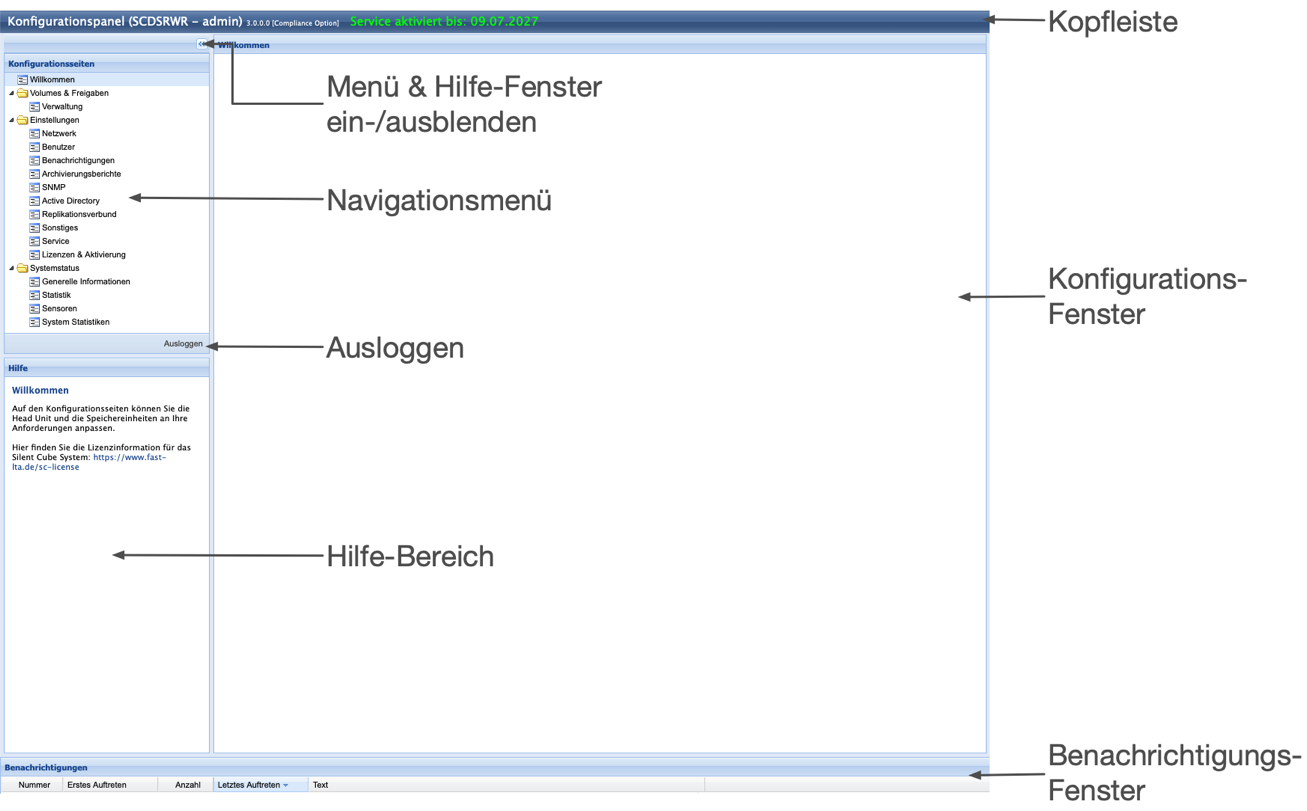
Figure: Overview of the Silent Cubes software